Avatar video for real estate
Quick answer: Real estate teams can use avatar videos to explain listings, answer buyer questions, introduce neighborhoods, and qualify leads before a live conversation.
Quick answer: Real estate teams can use avatar videos to explain listings, answer buyer questions, introduce neighborhoods, and qualify leads before a live conversation.
An avatar can summarize property highlights, neighborhood context, financing notes, and next steps for interested buyers.
Avatar-led pages can answer common questions and send qualified visitors toward a contact form or booking step.
Agents can use avatars to publish repeatable neighborhood and buyer-education content without recording every video manually.
Use these as starting scripts in Create avatar video from script. Replace everything in [brackets]. Check spoken structure against the Avatar video script checklist and Final avatar video review.
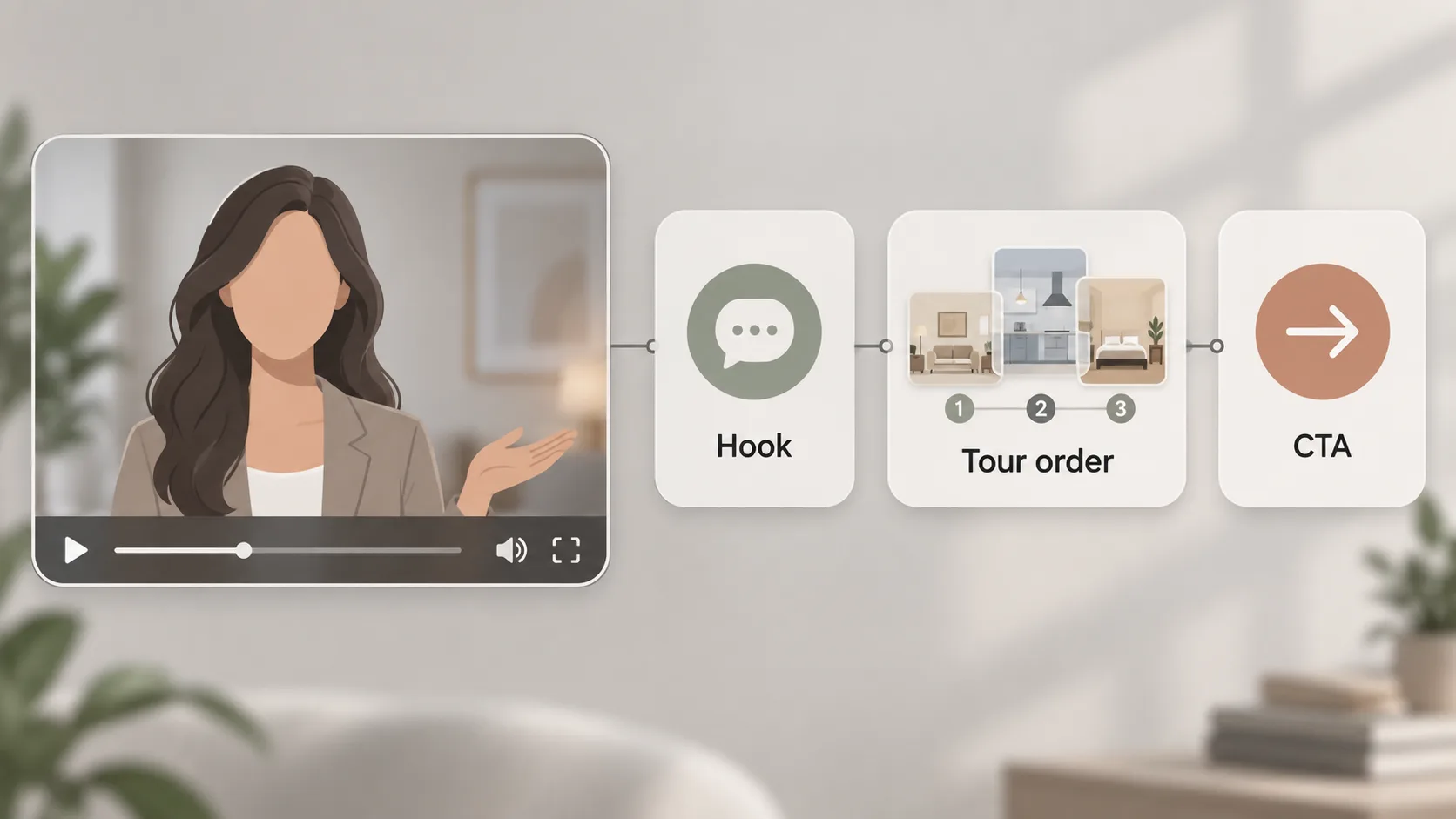
Hook: This [2-bed condo on Calle X] solves [commute + light] in [Neighborhood].
Script: Hi, I'm [Presenter Name], with [Agency]. This is [Address, City]. You'll see [living room, kitchen, primary bedroom] in order. Note [natural light at 4pm, quiet street, storage]. The details on screen match the listing sheet dated [Date]. To visit, [Book a tour at Link].
CTA: Book a tour / Ask a question in the live room
Track: tour bookings per view, questions asked in room
Hook: What changed in [Neighborhood] in [Month]? Three numbers.
Script: In [Neighborhood], [X] homes listed, median asking price [X], median days on market [X], source [Source, Date]. That means [one plain-language takeaway for buyers/sellers]. This is general information, not advice. For the full list, [See current listings at Link].
CTA: See current listings
Track: click-through to listings, follow-up questions
Hook: Living in [Neighborhood] in one minute — transport, services, daily life.
Script: Around [Property/Area], you have [Station/Line, X minutes on foot], [school/park/market names], and [noise/traffic note observed on visit date]. I recorded this guide on [Date] — check current timetables before you visit. Questions? [Open the Q&A room].
CTA: Open the Q&A room
Track: room opens, replay rate, contact requests
Pre-publish check: opening, claims, pronunciation of street names, captions, supporting visuals, disclosure, destination.
Disclosure: Presented by an AI avatar. Verify address, price, availability and dates on the listing sheet. Describe property and area factually.
Create your workspace — Start from a script, preview the rhythm in the demo, then connect only the providers you need.
How can real estate teams use avatar videos?
They can use them for listing explainers, neighborhood guides, buyer FAQs, seller education, and lead qualification.
Should real estate avatar videos be generic?
No. They should mention the property type, location, buyer concern, and clear next action.
AI video avatar generator
Create AI video avatars for support, training, sales, and education with Avatarmatic.
Talking avatar video maker
Make talking avatar videos for websites, tutorials, customer support, and product explainers.
AI spokesperson video
Create AI spokesperson videos for landing pages, launches, sales demos, and customer education.
Create avatar video from script
Turn a written script into an avatar video for support, lessons, onboarding, and product demos.
AI avatar for course videos
Use AI avatars to create course intros, lesson explainers, training hosts, and multilingual learning videos.
AI avatar for ecommerce product videos
Use AI avatars to explain ecommerce products, answer FAQs, and improve product page clarity.